> For the complete documentation index, see [llms.txt](https://help.topstepx.com/llms.txt). Markdown versions of documentation pages are available by appending `.md` to page URLs; this page is available as [Markdown](https://help.topstepx.com/components/performance-stats.md).
# Performance Stats
The Performance Stats page offers analytics and performance metrics based on your account's trading activity. It includes real-time analytics and detailed reports on your trades.
## Overview
The Performance Center allows traders to track and analyze their trading activity. It records important metrics and allows traders to analyze performance through statistics and charts. The Performance Center aims to provide traders with insights into their trading behavior and performance to enhance their overall trading strategies and outcomes.
## Performance Stats
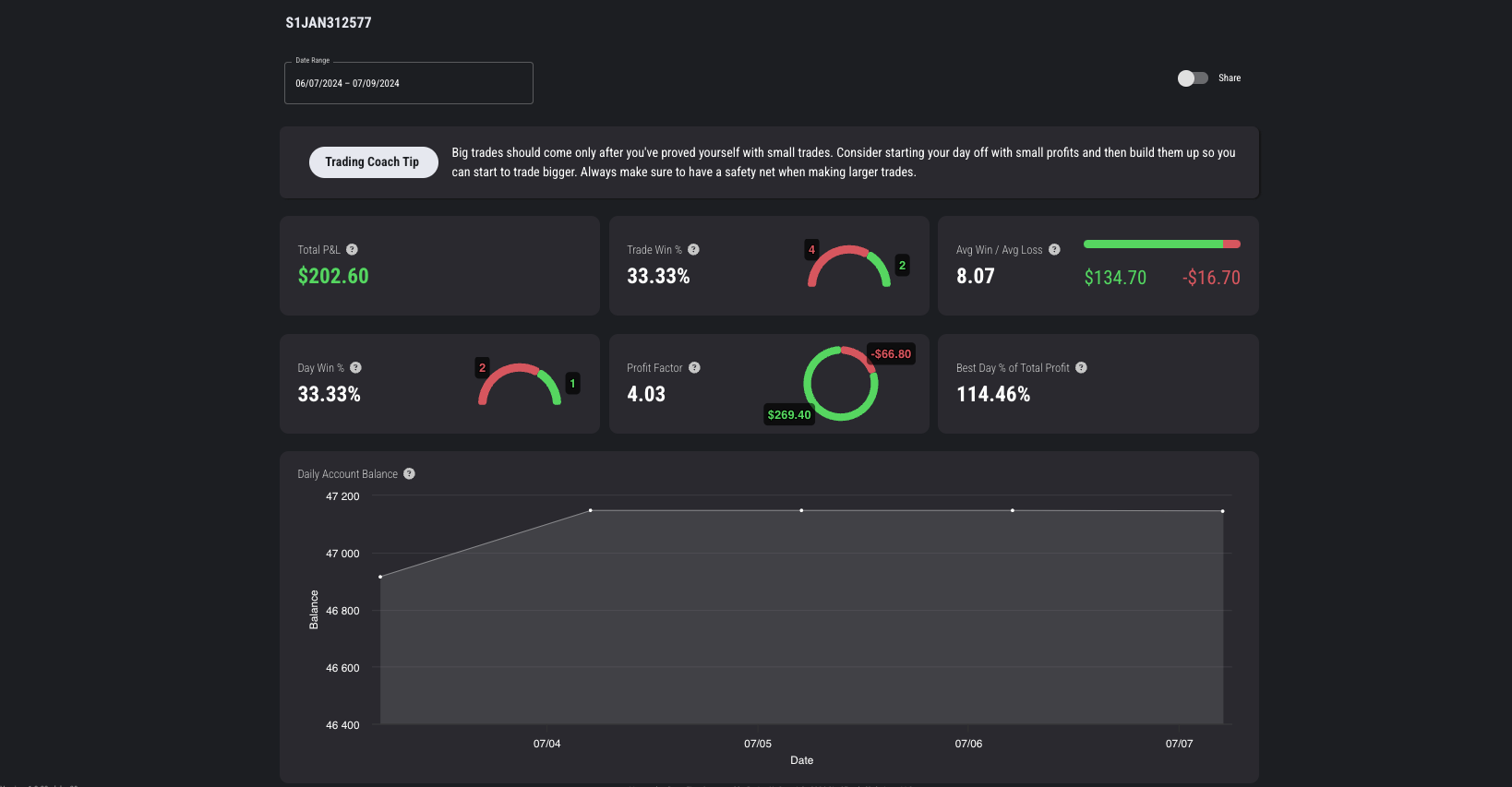
* **Total P\&L:** The total realized net profit and loss across the specified timeframe
* **Trade Win %:** Reflects the percentage of your winning trades out of total trades taken over the specified timeframe
* **Avg win/loss trade:** The average profit on all winning and losing trades over the specified timeframe
* **Day Win %:** The percentage of winning trades today
* **Profit Factor:** Total profits divided by total losses over the specified timeframe
* **Best Day % of Total Profit:** The percentage of total profit contributed by the most profitable day
* **Daily Account Balance Chart:** The daily (closed) account balance on the account
* **Trading Coach Tips:** The Coaching Tip is generated based on your account's performance
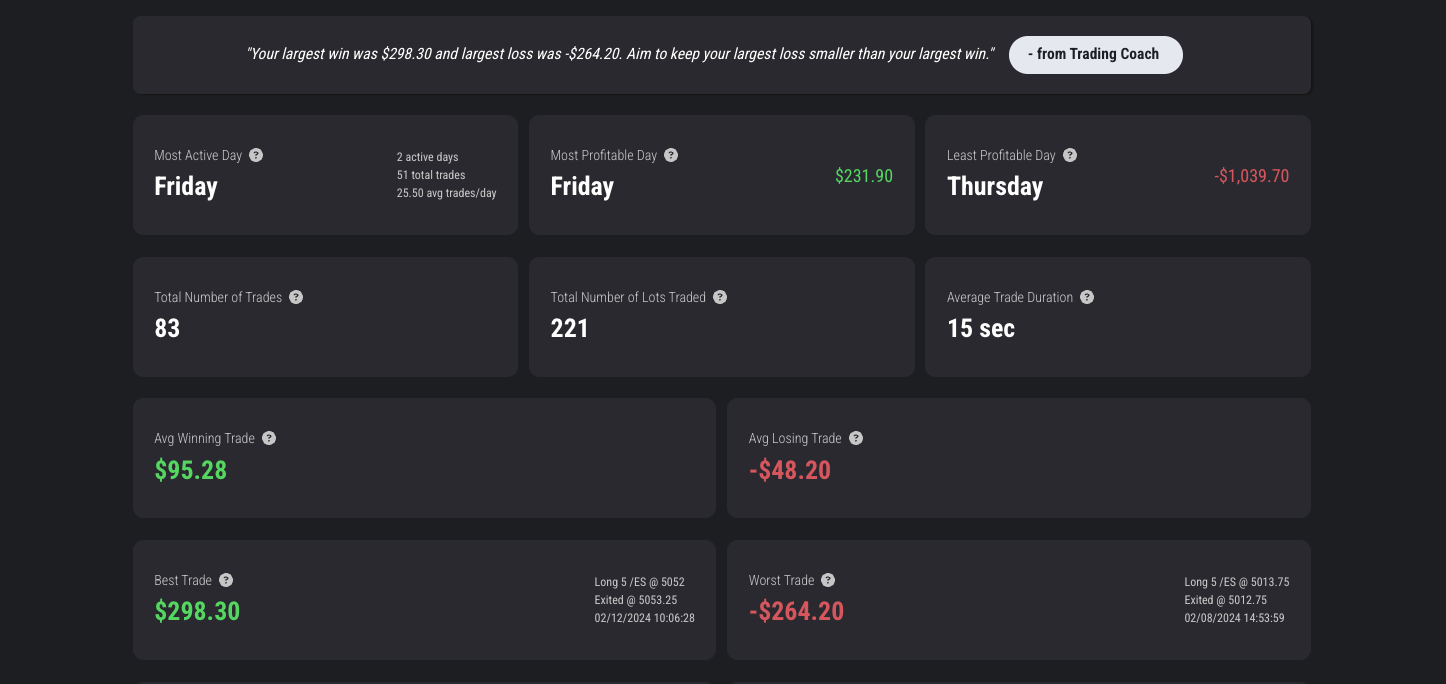
* **Most Active Day:** The day of the week with the most frequent trading activity
* **Most Profitable Day:** The day of the week with the highest total profit
* **Least Profitable Day:** The day of the week with the lowest total profit (or highest loss)
* **Total Number of Trades:** The total number of trades executed during the selected period
* **Total Number of Lots Traded:** The total number of lots traded during the selected period
* **Average Trade Duration:** The average duration of trades in seconds
* **Best Trade:** Details of the most profitable trade
* **Worst Trade:** Details of the least profitable trade
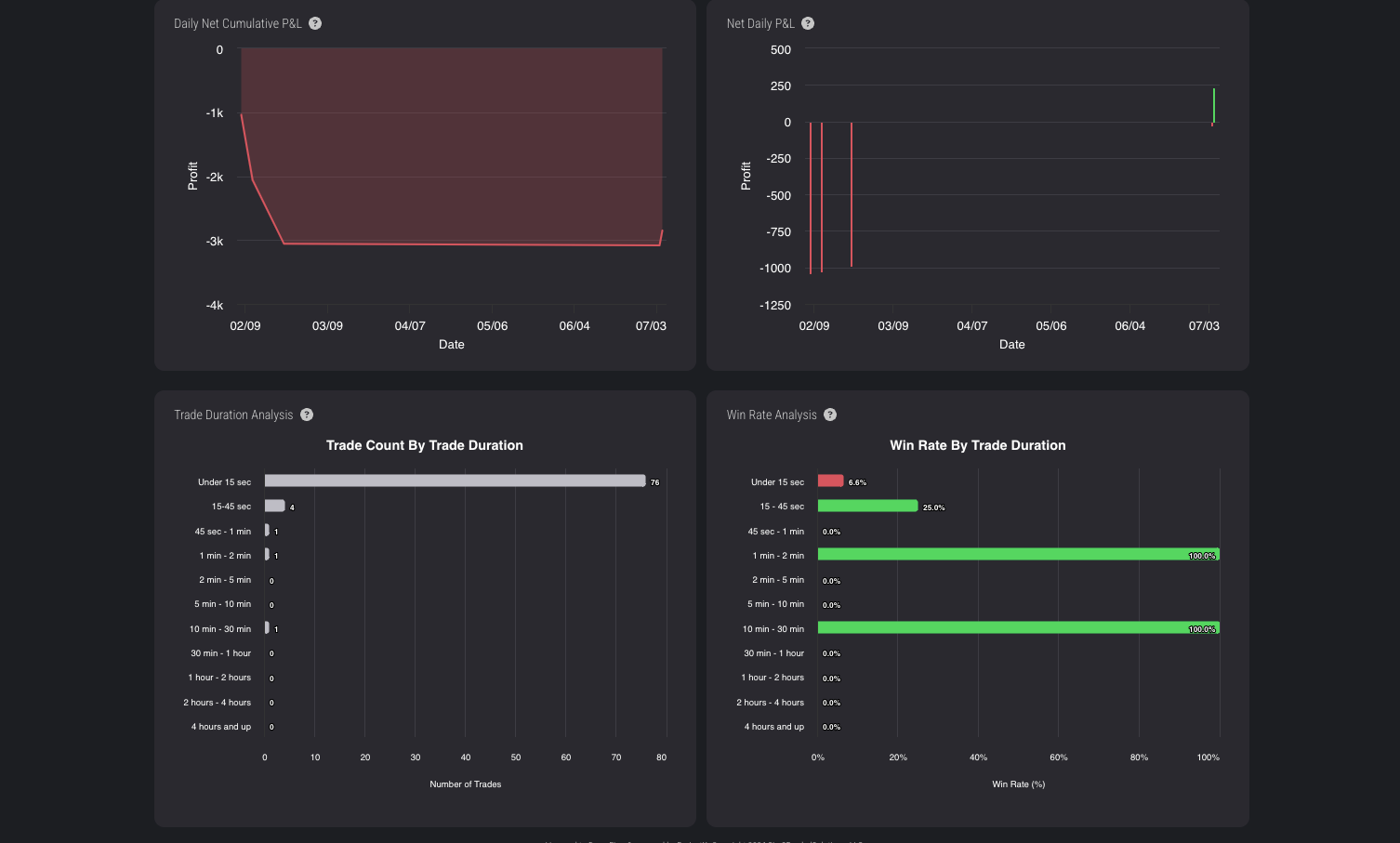
* **Daily Net Cumulative P\&L:** The total realized net profit and loss for all closed trades broken down by day over the specified timeframe
* **Net Daily P\&L:** The total realized net profit and loss for all closed trades over the specified timeframe
* **Trade Duration Analysis Chart:** The distribution of trades based on their trades
* **Win Rate by Trade Duration Chart:** The winrate of trades based on their duration\
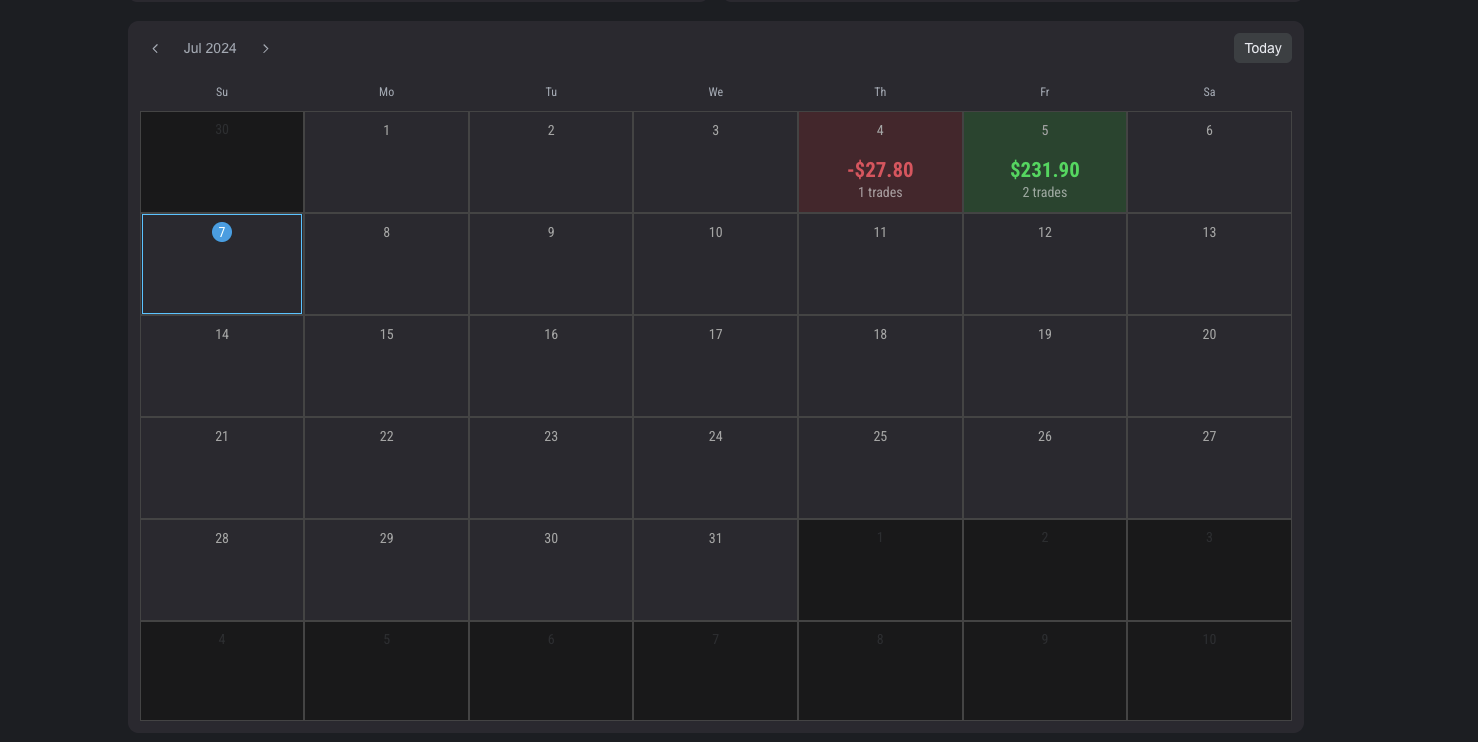
* **Calendar:** A calendar breakdown of each trading day and the ability to view analytics for that day and add journal entries.\
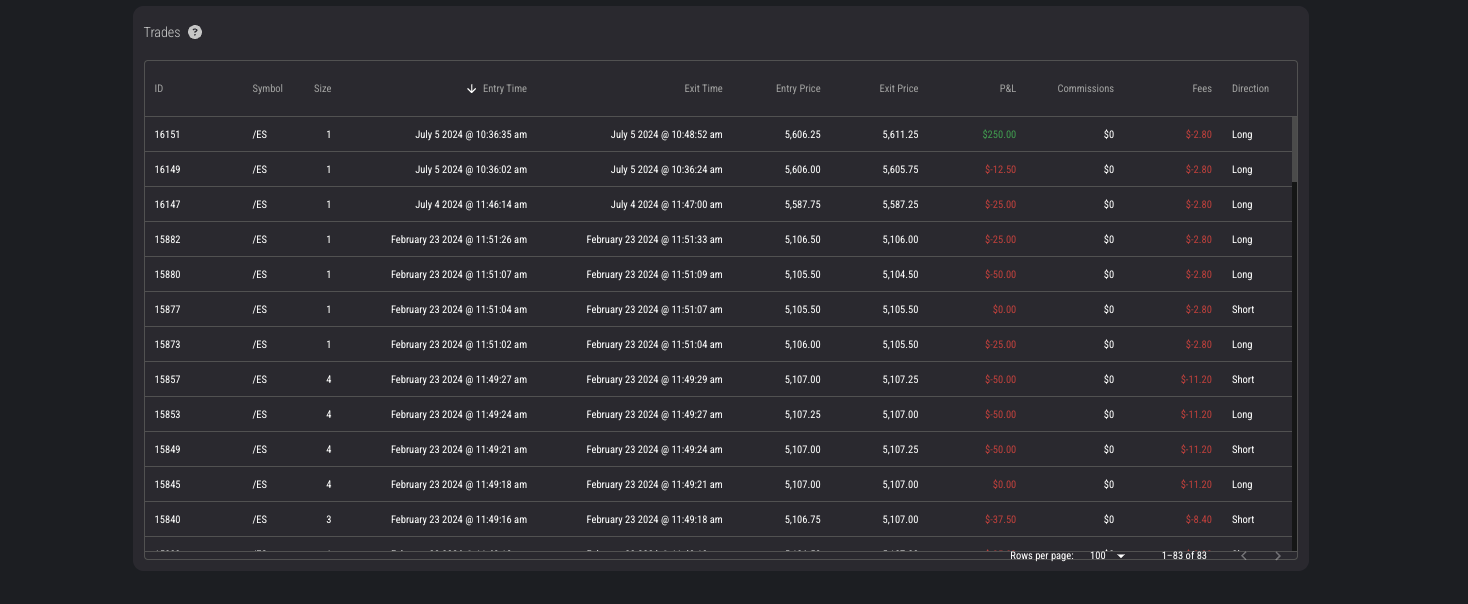
* Trades Log: The log of recent trades during the selected period
---
# Agent Instructions
This documentation is published with GitBook. GitBook is the documentation platform designed so that both humans and AI agents can read, navigate, and reason over technical content effectively. Learn more at gitbook.com.
## Querying This Documentation
If you need additional information that is not directly available in this page, you can query the documentation by asking a question.
Perform an HTTP GET request on the following URL with the `ask` and `goal` query parameters:
```
GET https://help.topstepx.com/components/performance-stats.md?ask=&goal=
```
`ask` is the immediate question: it should be specific, self-contained, and written in natural language.
`goal` is what the user is ultimately trying to achieve, the reason they need the answer. Sharing it helps GitBook give you a better, more relevant answer. A goal is most helpful when it describes the outcome the user wants rather than restating the question. For example, with `ask=how do I create an API token`, a goal like `automate deployments from our CI pipeline` lets GitBook tailor the answer to that use case.
The response will contain a direct answer to the question and relevant excerpts and sources from the documentation.
Use this mechanism when the answer is not explicitly present in the current page, you need clarification or additional context, or you want to retrieve related documentation sections.